How to find your API keys on exchanges
Here we will list exchanges that we are working with and tell you how to find your API keys.
BINANCE
1.) Login to your account
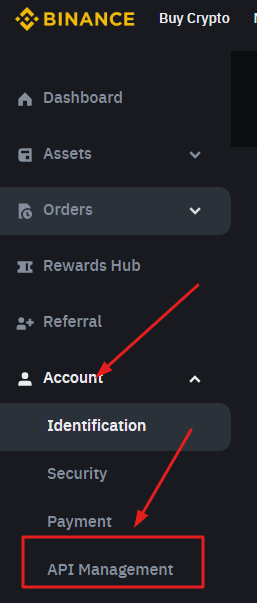
2.) Open your account dropdown menu and click API management
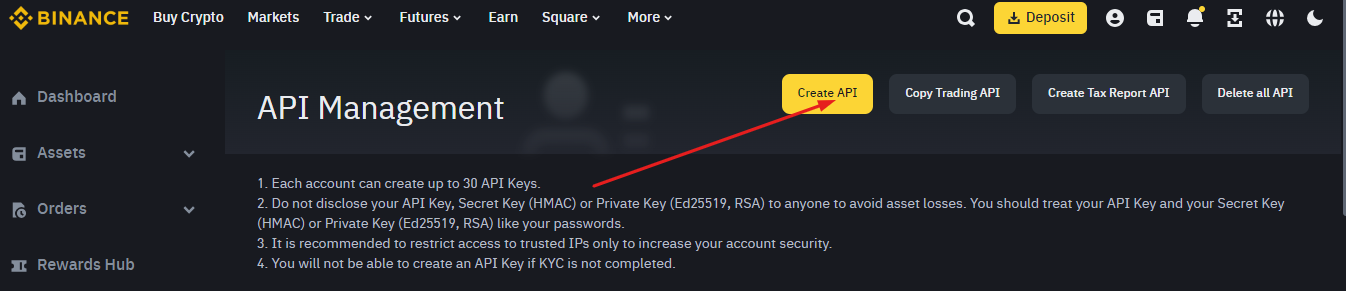
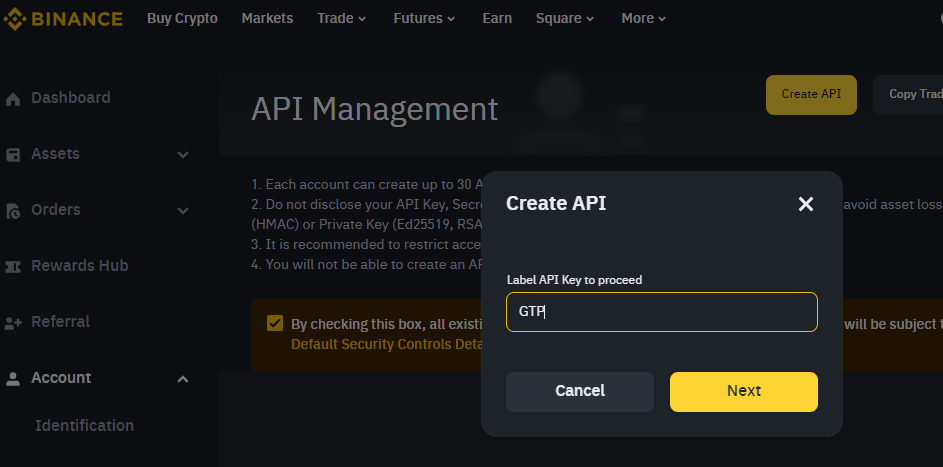
3.) Now create a label for your new API key.
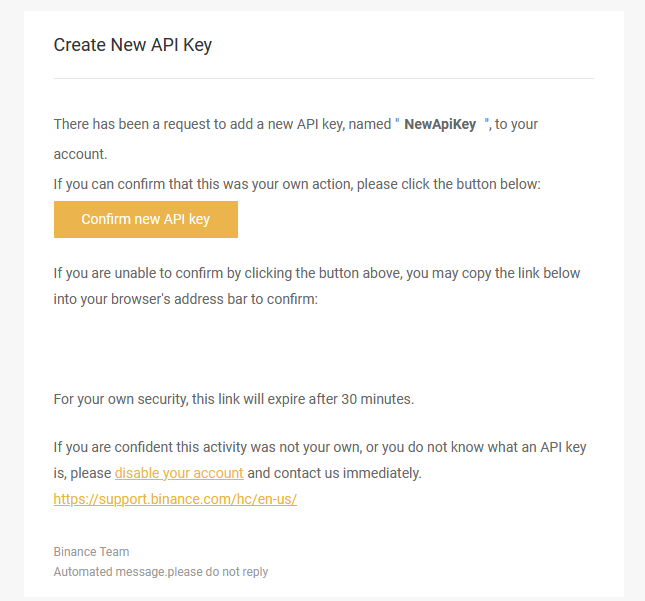
4.) After you enter the label you will need to confirm API key creation via email. Click on “Confirm new API key”.
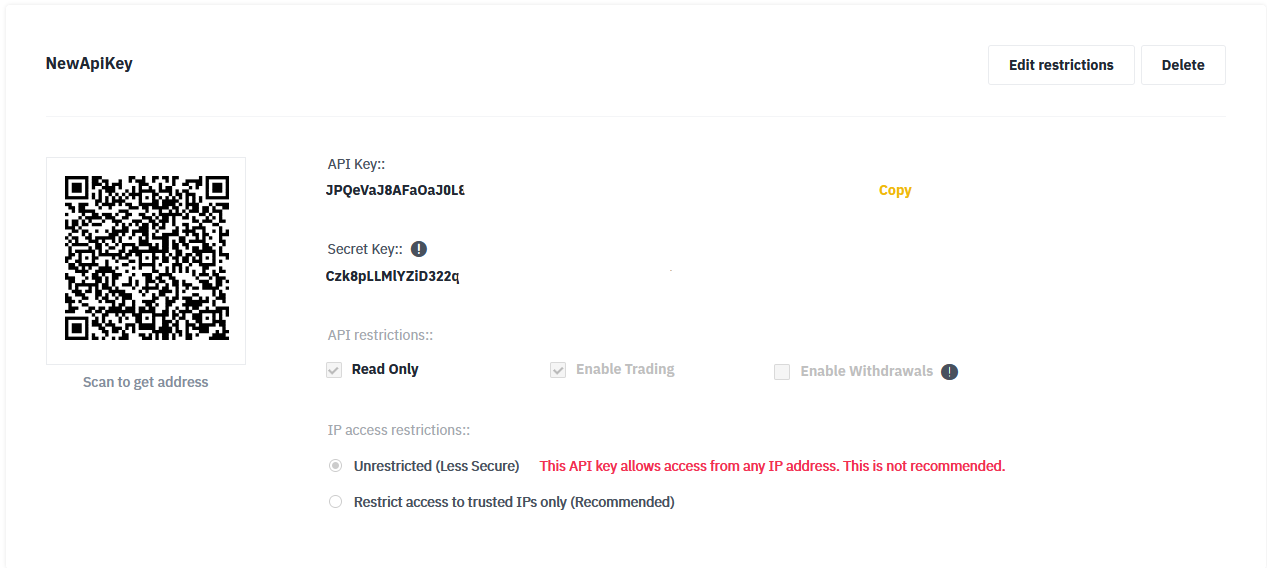
5.) Once it is done you will get two API keys. One of them is a secret API key which will be displayed only once, so we recommend to save it somewhere. The other is a public API key. Copy both of them and past them to the exchange page on our platform.
BINANCE Futures
Steps are the same as with ordinary API, however, there is one thing that you’ll need to do first.
1.) Login to your account and create a future account on binance.
Once it is done go to the API management page and create new API keys.
2.) Create new API keys.
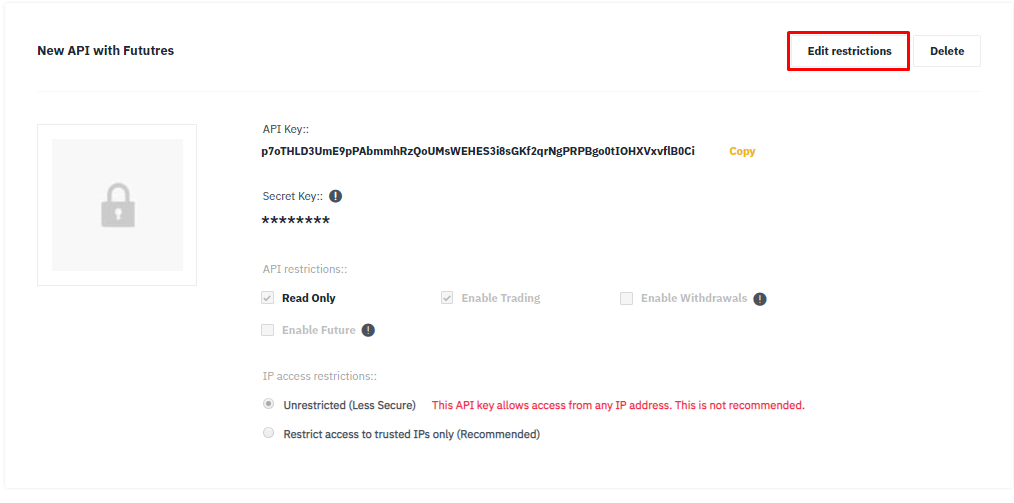
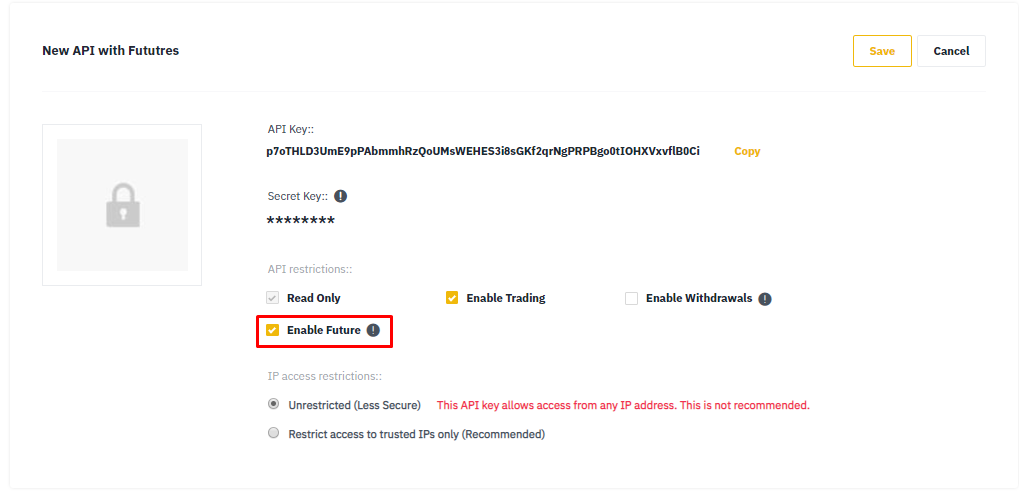
3.) Now edit restrictions and toggle Enable Future on.