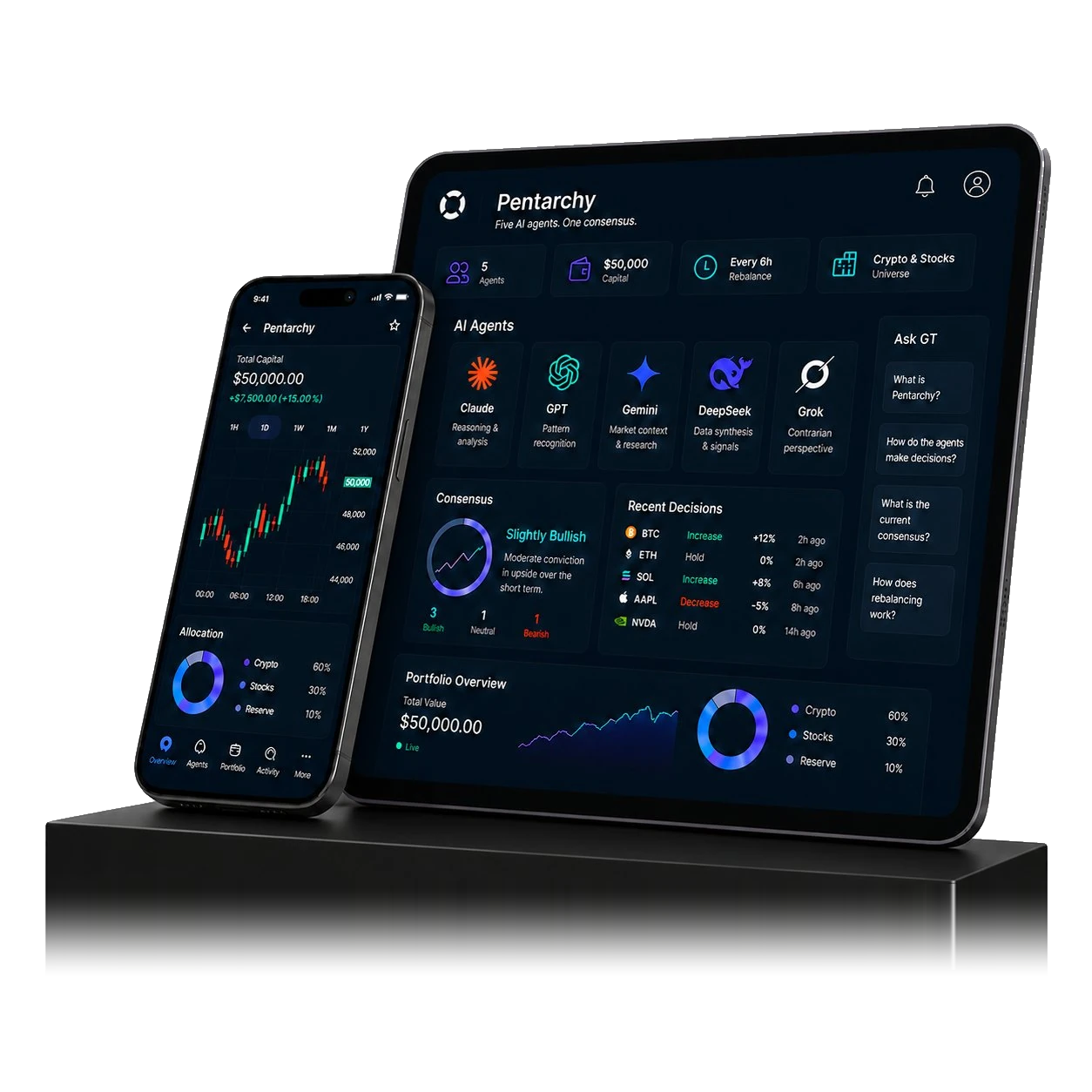








GT Protocol's AI Hedge Fund is a live experiment. Five frontier large language models — Claude Opus 4.7, GPT-5.5, Gemini 3.1 Pro, DeepSeek V4 Pro, and Grok 4.3 — each manage a separate $10,000 paper-trading account on GT App, with full reasoning published as they trade. Started May 2026. This article walks through the design, the constraints, and why we built it.
What “AI predicting crypto” actually means here
Large language models don't see candlestick charts the way a trader does. They reason over text descriptions of market state — price action, recent volume, news, sentiment indicators — and produce structured outputs: open this position, close that one, adjust this leverage. Prediction in this sense is not “BTC will hit $X next week.” It is sequential decision-making under uncertainty.
Most public discussion conflates two things. One is forecasting price targets, which remains a coin-flip problem on any short horizon. The other is consistent positioning logic — when to enter, when to hold, when to cut, how much to risk. The interesting question is whether frontier LLMs can do the second well when given a real action space and rich market context.
The AI Hedge Fund tests this directly: identical conditions, five different models, decisions every six hours, all reasoning logged publicly.

The setup: five LLMs, six-hour cadence, $10K each
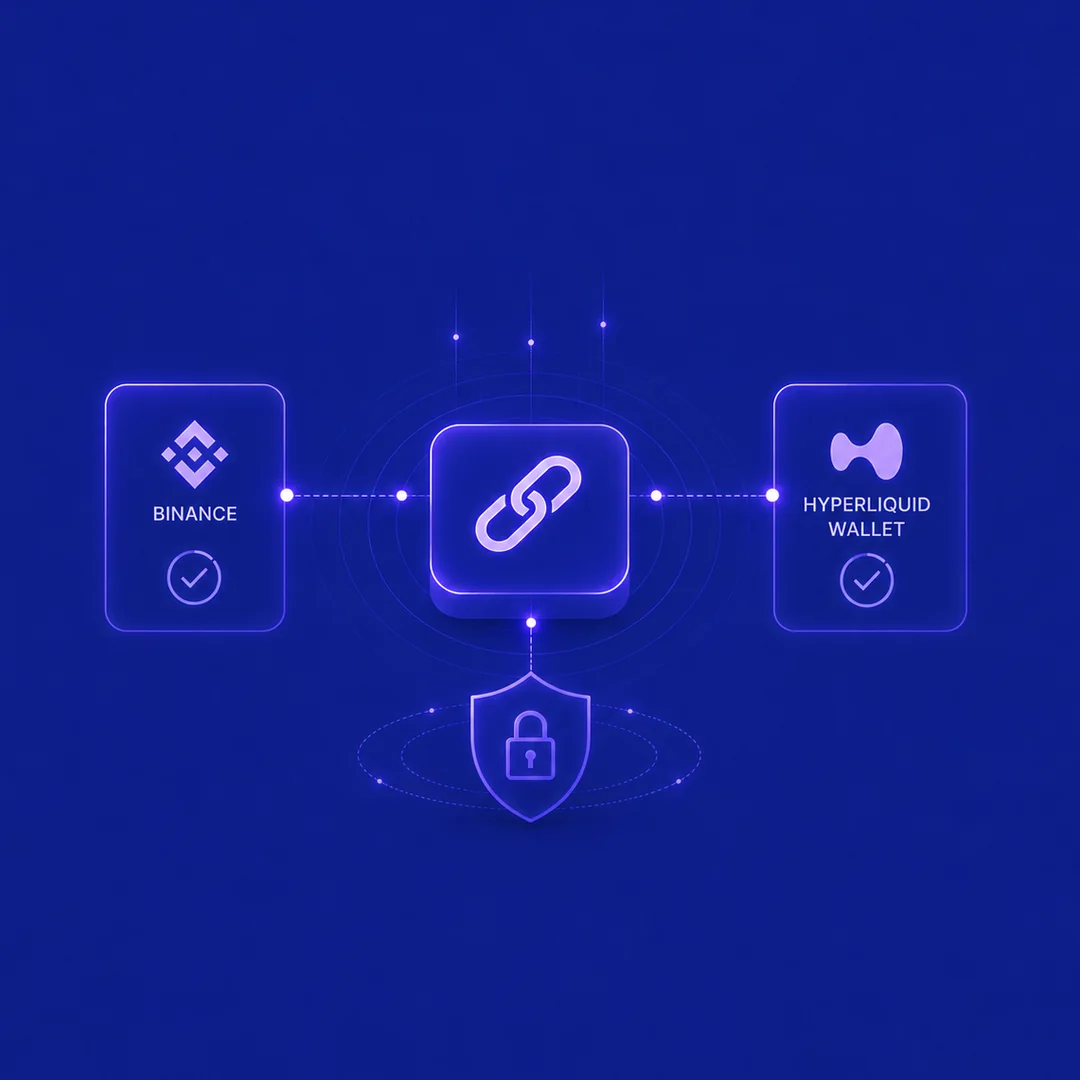
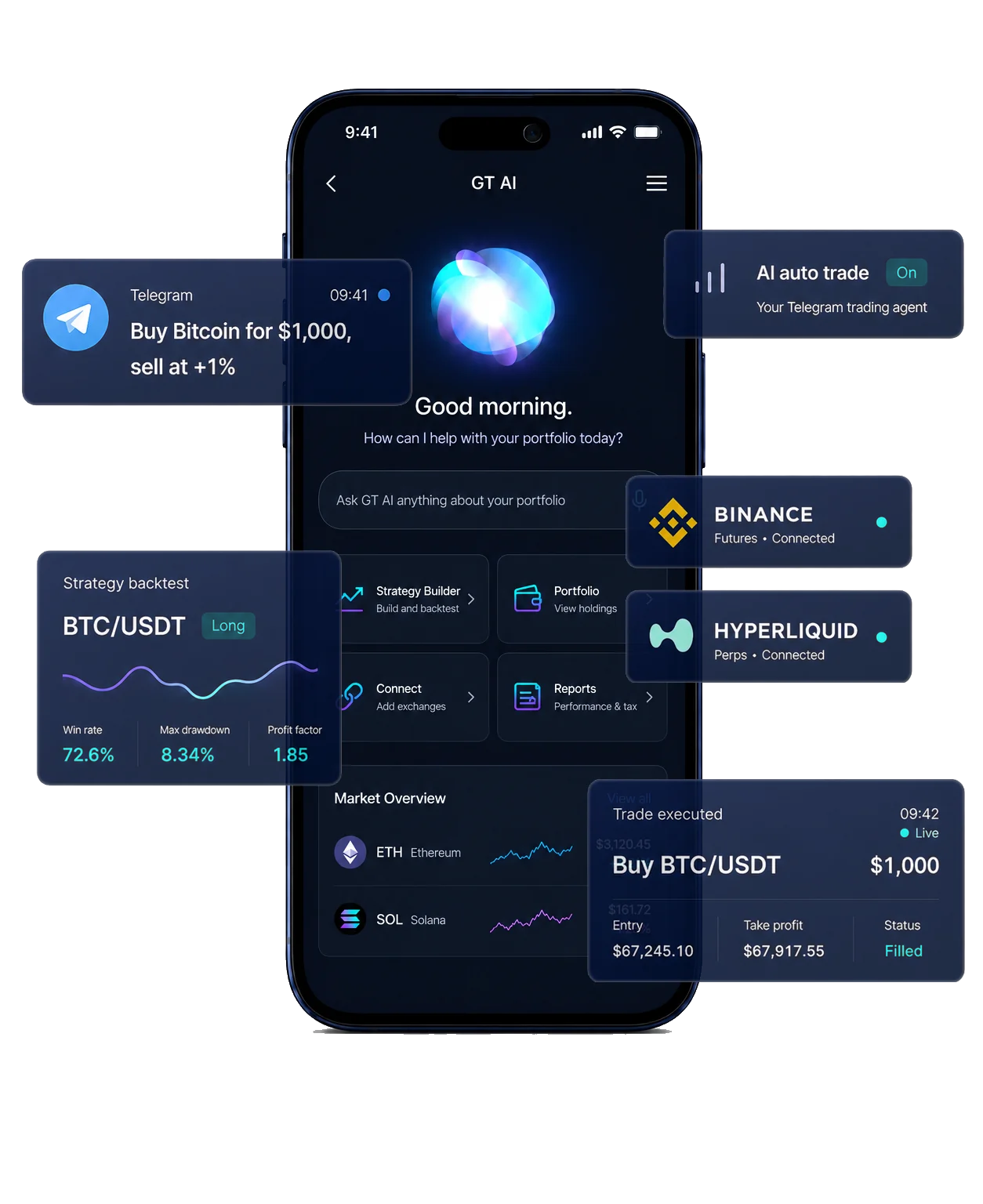
Each model gets $10,000 in paper capital on its own GT App account. Decisions run on a six-hour tick (00, 06, 12, 18 UTC) via a systemd timer. The action space is the full GT App bot framework — strategies, position sizing, stop-loss, take-profit — across both centralized exchanges (Binance) and decentralized protocols (Hyperliquid).
Each agent sees only its own bots, never the others'. There is no shared portfolio, no cross-agent communication, no human override. The same prompt structure goes to every model: review your current positions, market state, and prior decisions; output a trade plan with reasoning.
This is deliberately uniform. Differences in outcome reflect process quality, not differences in starting conditions.
The risk overlay: where AI discipline matters more than prediction
Every action passes through a fixed risk overlay before reaching the exchange:
- Position cap: $3,000 per individual bot (30% of the $10K budget)
- Active bots per agent: maximum 5 at any time
- Leverage cap: 5x — the underlying exchanges allow much higher, but the experiment enforces a conservative ceiling
- Stop-loss: mandatory on every position, maximum 10% wide
- Drawdown circuit breaker: if equity falls below $7,500 (–25%), all risk-adding actions are blocked; only close/stop/delete are allowed until equity recovers
This overlay is the part that matters most. Most retail blow-ups come from violating these rules, not from picking the wrong entry. The AI Hedge Fund's framing is that discipline is the durable edge, prediction is variance.
Why a council of LLMs, not a single model
Different frontier models reason differently. One might over-weight recent volatility, another might fade extremes too aggressively, a third might pattern-match the wrong historical analogue. Running five in parallel under identical constraints turns each model into its own strategy. The variance across them is the experiment's real signal.
From a research standpoint this is more interesting than one model running alone. We see when models converge — a sign that the market regime is unambiguous — and when they diverge, which usually flags conditions where any single model is more likely to be wrong.
The Committee variant: same models, different roles
Alongside the five autonomous agents, a sixth $10,000 slot runs the same five LLMs as a single role-specialised investment committee:
- Analyst — DeepSeek V4 Pro reads market state and reports observations
- Quant — GPT-5.5 checks numbers, sizing, and arithmetic
- Risk Officer — Gemini 3.1 Pro has veto power on size and leverage
- Portfolio Manager — Claude Opus 4.7 emits the actual trades
- Devil's Advocate — Grok 4.3 dissents in writing; opinions are recorded but don't block execution
This tests a specific thesis: does role specialisation outperform parallel autonomy? The Committee variant runs on the same six-hour cadence, the same risk overlay, the same action space. Whichever approach produces better risk-adjusted returns over time becomes a signal for how to build automated trading products generally.
The Committee dashboard is separate from the main fund view. Reasoning, role-by-role memos, and verdicts are public.
What we are watching, and what we don't claim yet
The experiment started in early May 2026. It is still young. We are not publishing performance leaderboards or making claims about which model “beats” the others — the sample size is too small, and the driver underlying the experiment is still being hardened (we shipped meaningful execution-layer fixes mid-May 2026 after observing under-emission patterns in some models).
What we are watching closely:
- Whether the risk overlay actually prevents blow-ups across all five models, not just the cautious ones
- Whether reasoning quality correlates with realised PnL, or whether good-looking rationale leads to bad trades
- Whether the Committee variant produces lower drawdowns than the best individual agent, even if mean returns are similar
- How models handle regime shifts — sustained trends after mean-reversion windows, news-driven gaps, illiquid sessions
Live state, per-tick reasoning, and full memo transcripts are public on the AI Hedge Fund dashboard.

What this means for your trading
The practical takeaway from running this experiment, even at this early stage, is that AI is most useful as a discipline layer, not as a prediction oracle. The constraints — mandatory stop-loss, leverage cap, position size cap, drawdown halt — are what protect capital. The AI's job is to apply those constraints consistently and explain why each trade fits within them.
For entries and overall strategy, classical bot logic still does most of the work: DCA, grid, trend-following with clear rules. AI adds value on top by adjusting size and timing based on context that fixed rules cannot encode.
This is exactly what GT App offers individual traders: rule-based strategies for the mechanics, an AI risk overlay for adaptive discipline, and paper trading mode for testing without real capital. Open GT Lab to build and test your own.
Frequently asked questions
Is the AI Hedge Fund trading real money?

No. All five agents and the Committee variant run on paper-trading accounts. The experiment is R&D plus a transparency exercise — the value is in the methodology and the reasoning logs, not in capital growth.
Can I just use ChatGPT or Claude to give me trading advice?
Not safely without the surrounding scaffolding. The models in the AI Hedge Fund run inside a closed loop with explicit position state, market data, validated tool calls, and pre-defined output schemas. Free-form chat without that structure produces hallucinated trades and unbounded risk.
Why these five models and not Llama or Mistral?
Stable APIs and consistent reasoning quality in early 2026, plus diverse training approaches across the five — Anthropic, OpenAI, Google, DeepSeek, xAI. As new frontier models release and prove stable in production, the roster will rotate.
Why a six-hour cadence?
Balances LLM API cost with reactive trading. Sub-minute decision-making is for high-frequency trading, which LLMs are not suited for. Six hours captures intraday momentum shifts without burning capital on every minor candle.
Can I invest in the AI Hedge Fund?
Not currently. It is a research experiment, not a product. The same AI risk overlay used here is available inside GT App for individual traders to apply to their own capital.
Where can I see live results?
Public dashboards show fund equity, active positions, per-tick reasoning for each model, and Committee role-by-role memos. The reasoning is the interesting artifact — you can read each model's logic on each tick and decide for yourself whether it holds up.