
Knowledge Base · Getting Started
How to connect your Telegram account to receive Telegram notifications and trading reports from your strategy
For your convenience, we’ve created a telegram bot. His purpose to notify you about the state of your deals and your strategies.
- Click “Profile and Telegram” bot in the side bar menu.
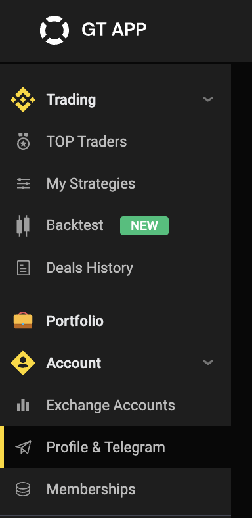
- Click “Activate Telegram Bot” button.
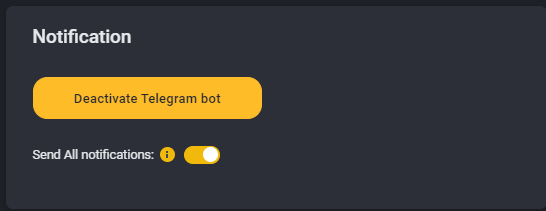
* You can disable the “Send All notifications” slider to receive only key trading reports.
- If you try to active the Telegram bot from your PC - you need to have installed telegram on your PC.
If you don’t want to instal Telegram on your PC - you can activate the bot using your phone (log in to the platform from your mobile phone browser and repeat previous actions)
- After that please open the page ""Step 3. Telegram” again and make sure that Telegram notifications are enabled.
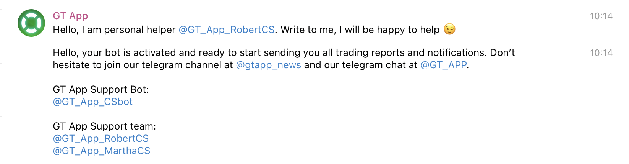
- Now the bot will send all trading reports and logs to your telegram account. You also can pause/launch/edit settings of your active strategy from your Telegram using your mobile phone.